




inline-email turns HTML and CSS into email-safe templates you compile once and render per send. It is built to be simple and durable, to work across many email clients, and to make emails clear and easy. It is for teams that treat email as a necessary part of their product, worry about dependency bloat, and do not want to build on juice from scratch.
Docs: Transactional email · CLI preview · Marketing email · Data-heavy digest · Reference · Migrating to 4.x
Upgrading from 2.x or 3.x? MIGRATION.md takes you to 4.x and starts with a prompt for each version that you paste into an AI assistant with your templates or code.
- Use inline-email when you want server-side templates, compiled once and rendered per send, written in plain HTML and CSS with few dependencies.
- Use Inky for its layout markup; it runs inside inline-email through
responsive: 'inky', so you keep compile-once, render-per-send, the preview and the CLI. - Use MJML when you want a full email markup language with its own component set and are happy with its toolchain.
- Use React Email when your templates are React components and your stack already renders React on the server.
- Use juice on its own when you only need CSS inlining and already have templating.
Install the package:
npm install inline-emailSave the two files below in one folder as welcome.html and send.mjs.
Write a template with a variable, a block and a slot:
<email>
  <preview>Welcome to ACME, {{firstName}}.</preview>
  <container>
    <section padding="32">
      <h1 class="headline">Hi {{firstName}}, welcome to ACME.</h1>
      {{slot:summary}}
      <p>Three things to try first:</p>
      <ul>
        {{#items}}
        <li>{{this}}</li>
        {{/items}}
      </ul>
      <spacer size="24" />
      <button href="{{appUrl}}">Open ACME</button>
    </section>
    <footer>Sent by ACME</footer>
  </container>
</email>
Compile it once and render it per send:
import { readFileSync } from 'node:fs';
import { compileEmailTemplate } from 'inline-email';

const html = readFileSync(new URL('./welcome.html', import.meta.url), 'utf8');
const css = '.headline { font-size: 24px; color: #111827; }';

const compiled = await compileEmailTemplate({
  subject: 'Welcome to ACME, {{firstName}}',
  html,
  css,
  text: 'Hi {{firstName}}, welcome to ACME. Open it at {{appUrl}}.'
});

const email = compiled.render({
  data: {
    firstName: 'Dan',
    appUrl: 'https://app.acme.example',
    items: ['Create a project', 'Invite a teammate', 'Connect your calendar'],
    slots: {
      summary: '<p>Your account is ready.</p>'
    }
  }
});

console.log(JSON.stringify(email, null, 2));
Run node send.mjs. It prints the rendered email, trimmed here to the meaningful lines:
{
  "subject": "Welcome to ACME, Dan",
  "html": "<!doctype html>\n<html>\n<head>\n ... <h1 class=\"headline\" style=\"font-size: 24px; color: #111827;\">Hi Dan, welcome to ACME.</h1>\n      <p>Your account is ready.</p>\n ... <li>Create a project</li>\n ... </html>\n",
  "text": "Hi Dan, welcome to ACME. Open it at https://app.acme.example."
}
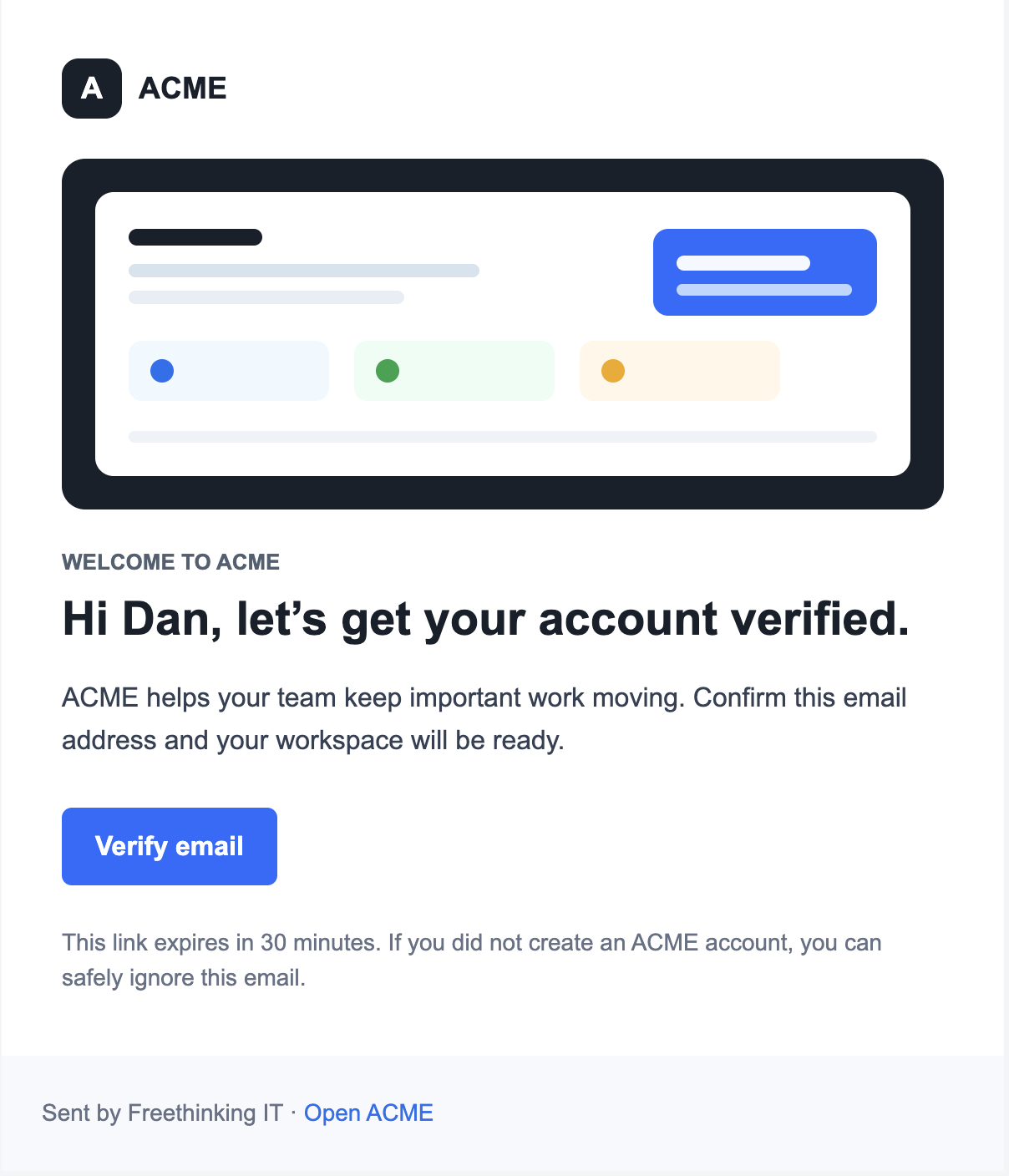
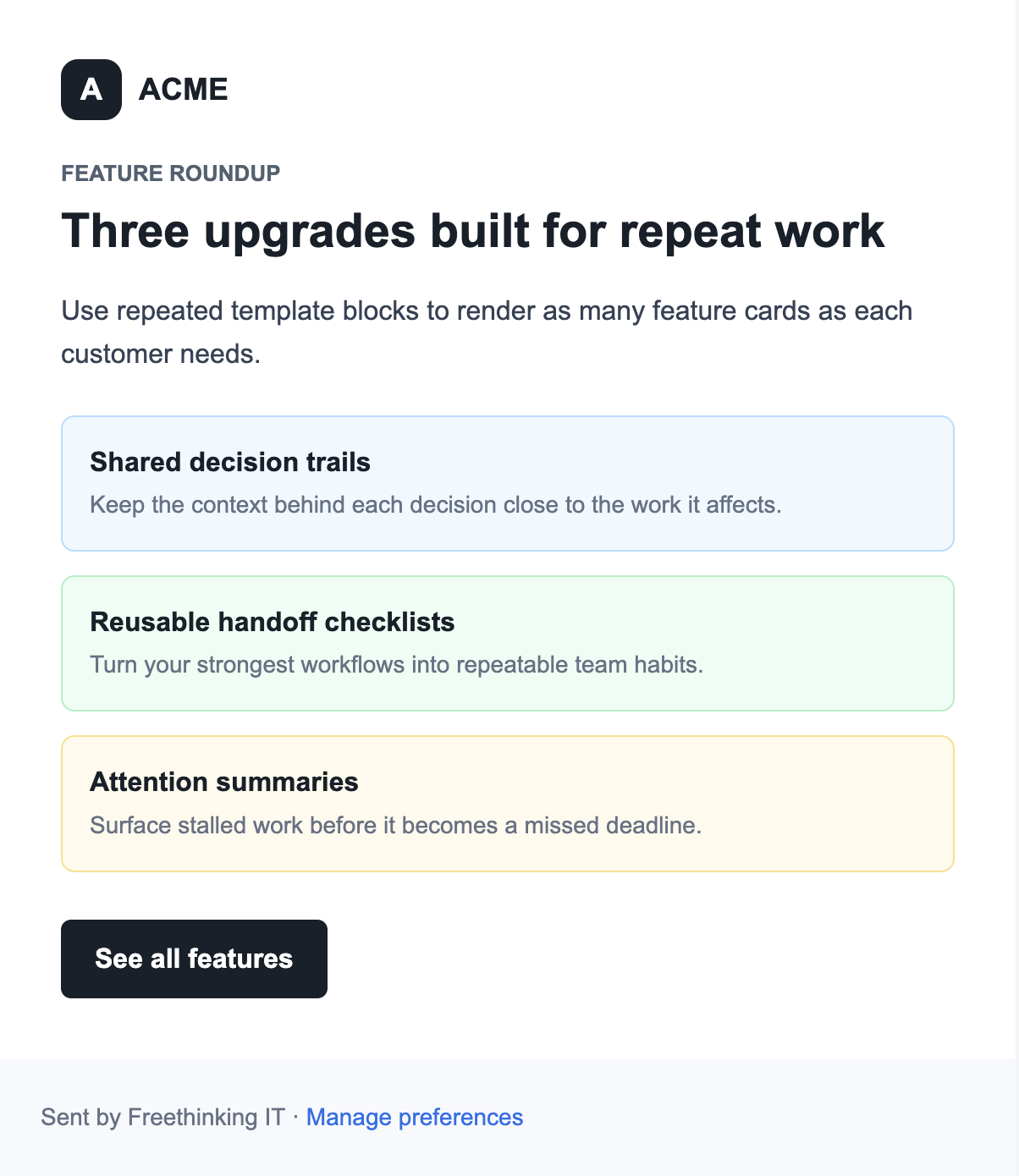
| Welcome + verify | Product launch |
|---|---|
 |
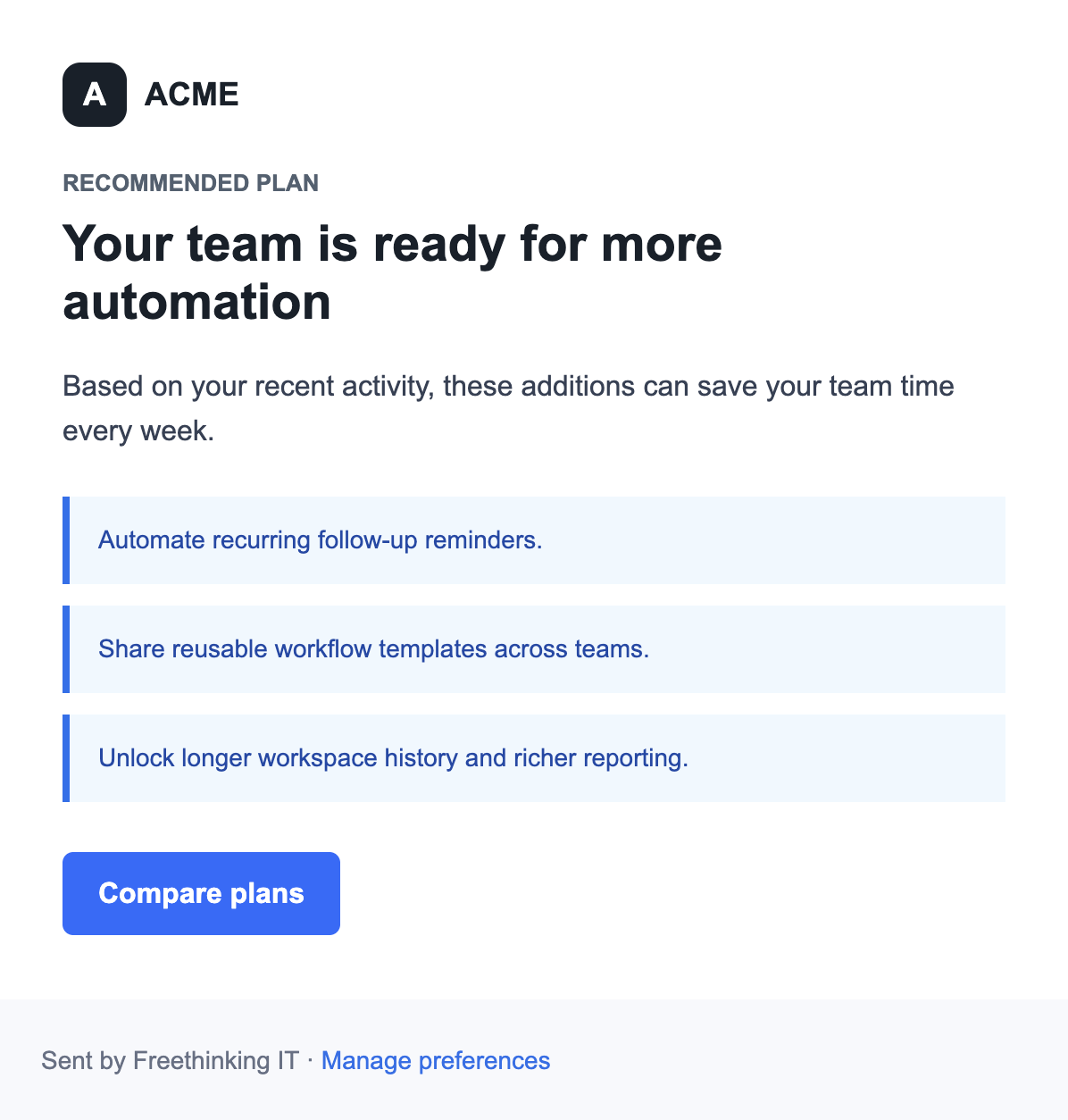 |
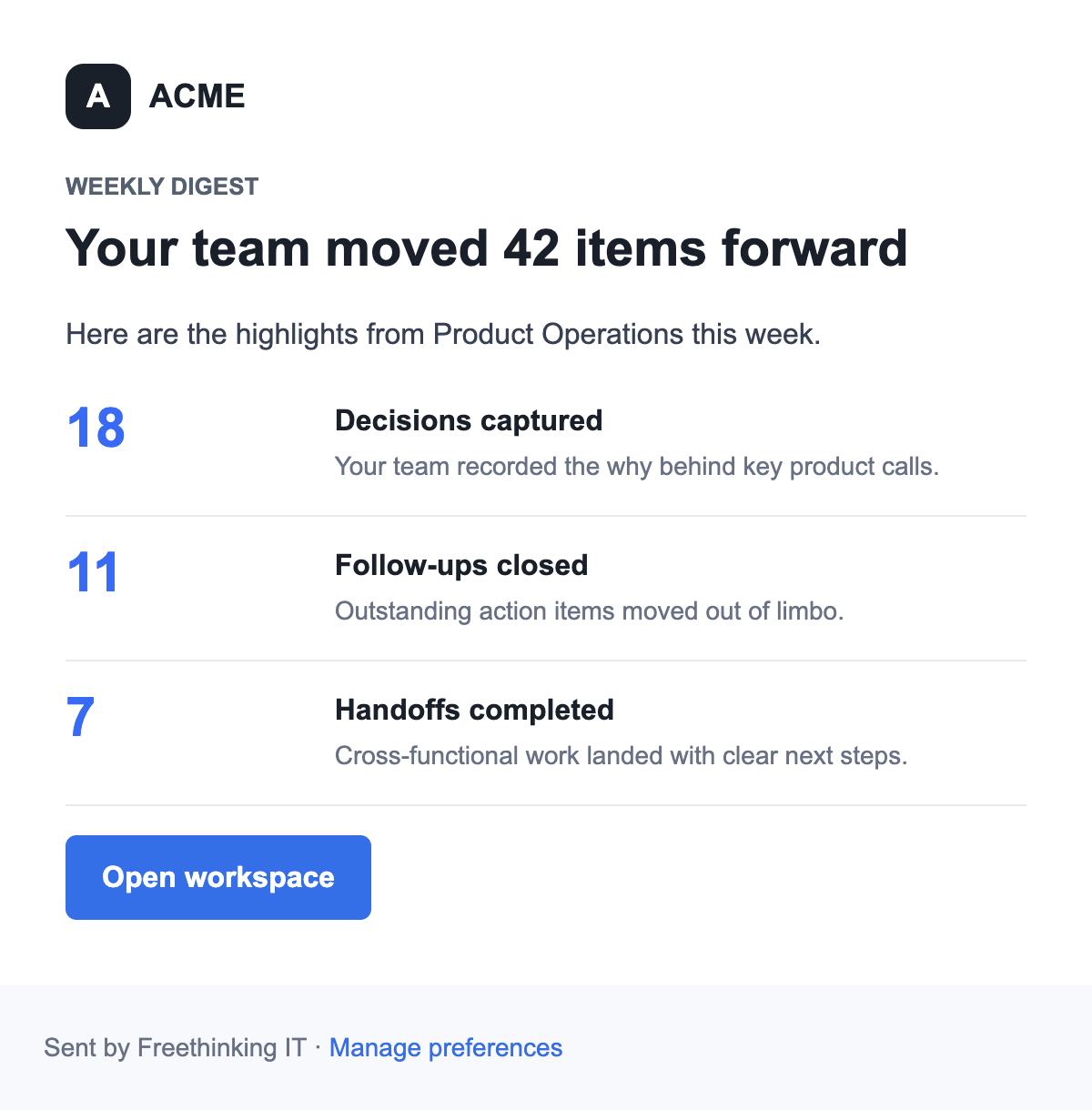
| Usage digest | Upgrade offer |
|---|---|
 |
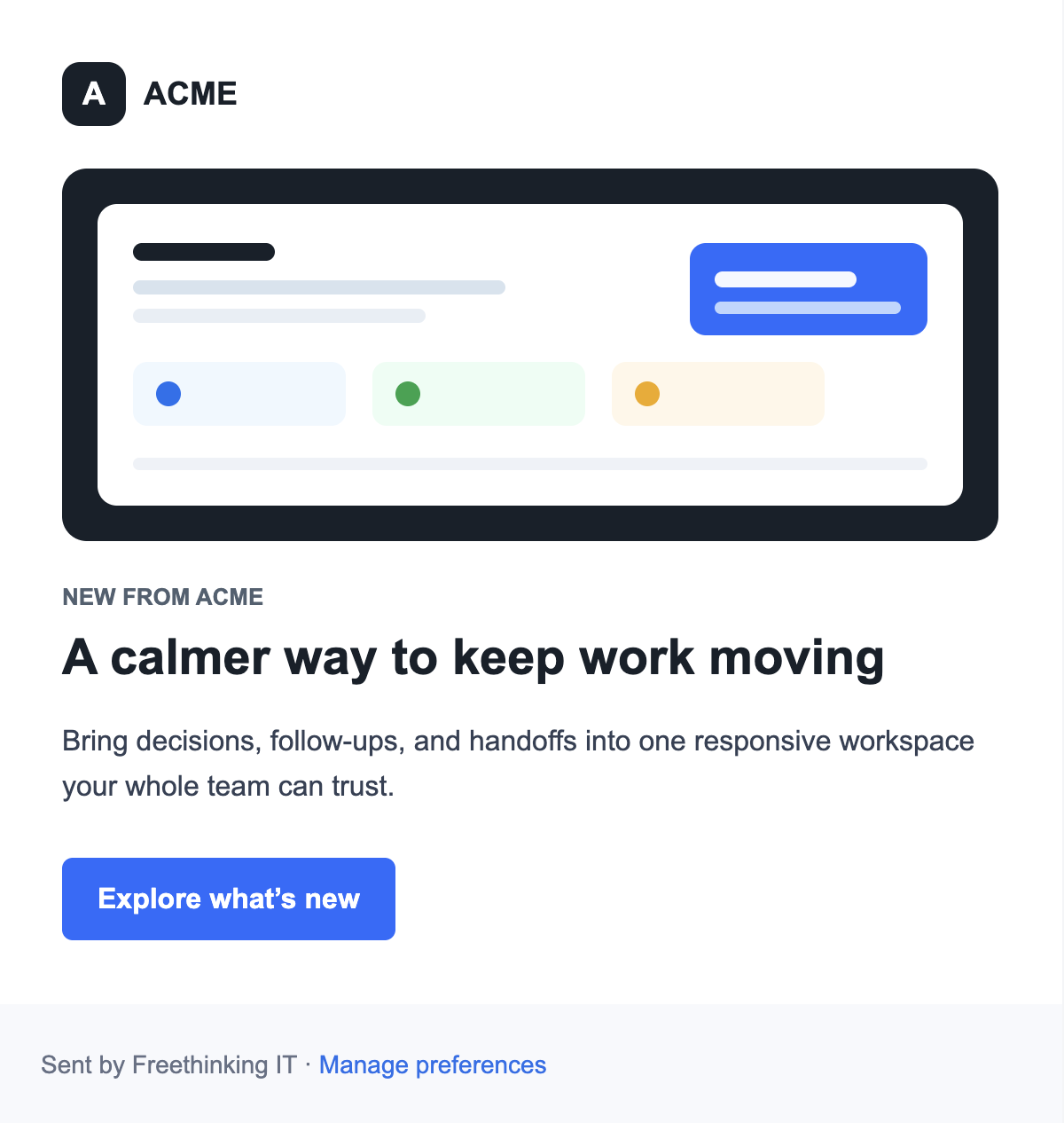 |
The repo includes rendered examples for auth, onboarding, product marketing, usage digests, upgrade offers, and the email each guide builds. Run npm run examples to regenerate them into examples/out.
To open the full example gallery locally:
npm run examples:serveThen visit http://localhost:4173.
For app-shaped examples, see:
examples/integrations/node-send.js: compile once, render with user data, and pass the result to a sender.examples/integrations/preview-server.js: preview a rendered email through a small local HTTP route.
The package targets Node.js 22, 24, and 26.
- CI workflow runs install, high-severity audit, lint, build, tests, examples, and an install-and-run check of the packed package on Node.js 22, 24, and 26.
- The linter is ESLint, configured in
eslint.config.js; it must report nothing. - The coverage gate fails
npm testwhen line or branch coverage ofsrc/drops below 99%. - Tests live in
test/, and visual regression tests compare rendered emails against approved screenshots.
When an intentional layout change updates the screenshots:
npm run test:visual -- --update-snapshotsnpm ci
npm run check
npx playwright install chromium
npm run test:visualnpm run check runs lint, build, tests with the coverage gate, and examples, all offline. CI also runs npm run audit, npm run test:package and the visual tests. The visual tests need the browser installed once, and their approved screenshots exist only for macOS. CONTRIBUTING.md covers setup, coverage per module, branch naming and issues.
A release is a version tag that matches package.json; GitHub Actions publishes it to npm with provenance and creates a GitHub Release. The steps, from the version bump to the tag, are in CONTRIBUTING.md.
git tag v<x.y.z> origin/master
git push origin v<x.y.z>inline-email does not validate that your markup uses only email-safe HTML tags, and it does not replace unsafe tags for you.